
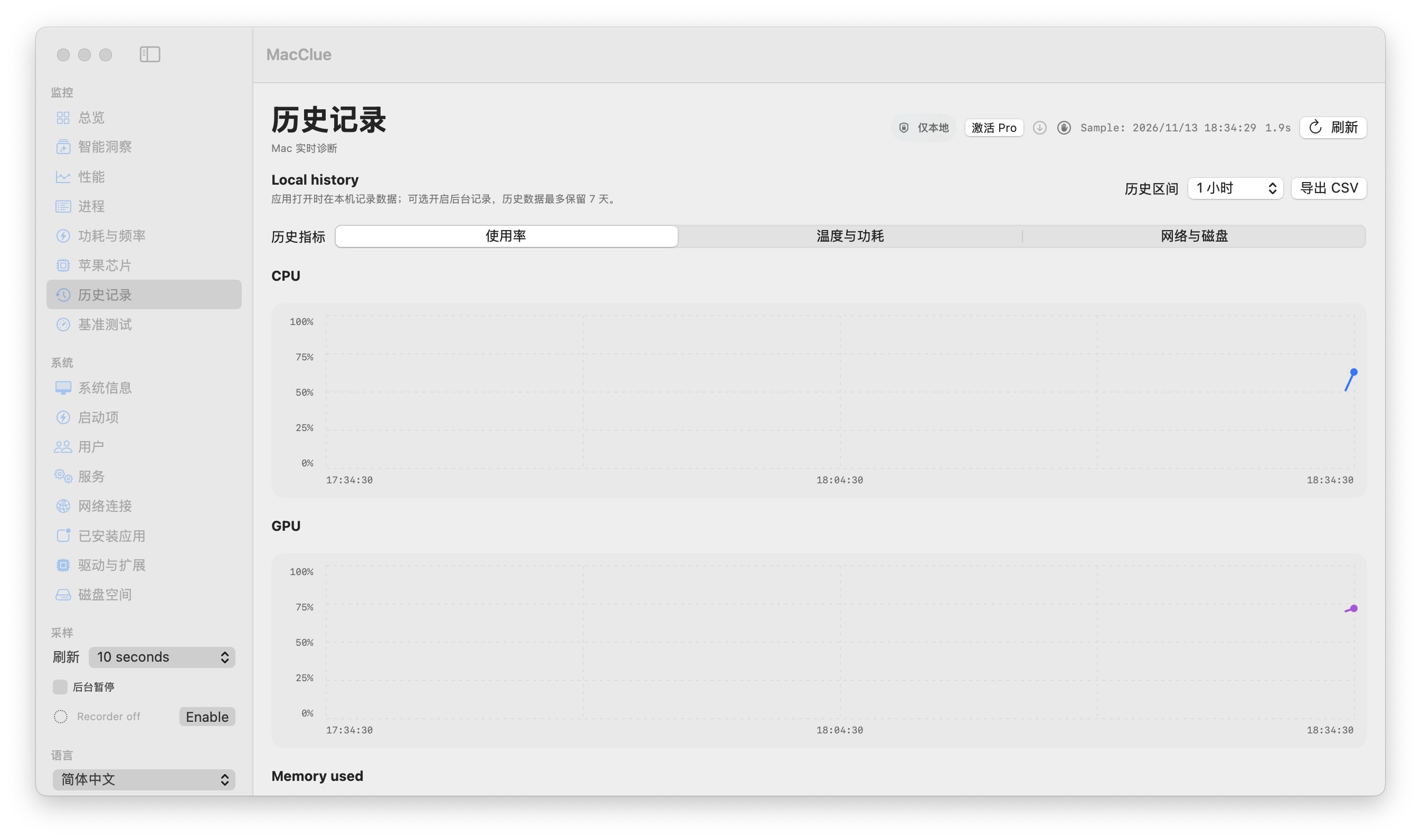
Understand timeline windows
Choose from short windows for a live issue or longer windows for recurring problems. The recorder supports up to seven days of retained local samples when recording is active.
Missing samples remain gaps
A sleeping Mac, an unsupported sensor or a failed collection creates a gap, not an artificial zero. A sparse graph does not imply that monitoring continued while the machine was off.
Compare several signals
Cross-check CPU, GPU, memory, network and disk activity. Power and temperature are available only where a credible provider exists. Use chart hover to inspect the actual sample time and value.
Export only when you choose
Flight Recorder can export CSV for your own analysis. The history database stays on the Mac; exports are files you control and are not silently sent to the website.
What to know before relying on this feature
Recording while the app is closed requires an explicit opt-in user LaunchAgent. It is best-effort and may be paused by macOS.
See for yourself
Download the verified beta and compare its readings with macOS Activity Monitor and System Settings. Results depend on your model and permissions.
Download for Mac