
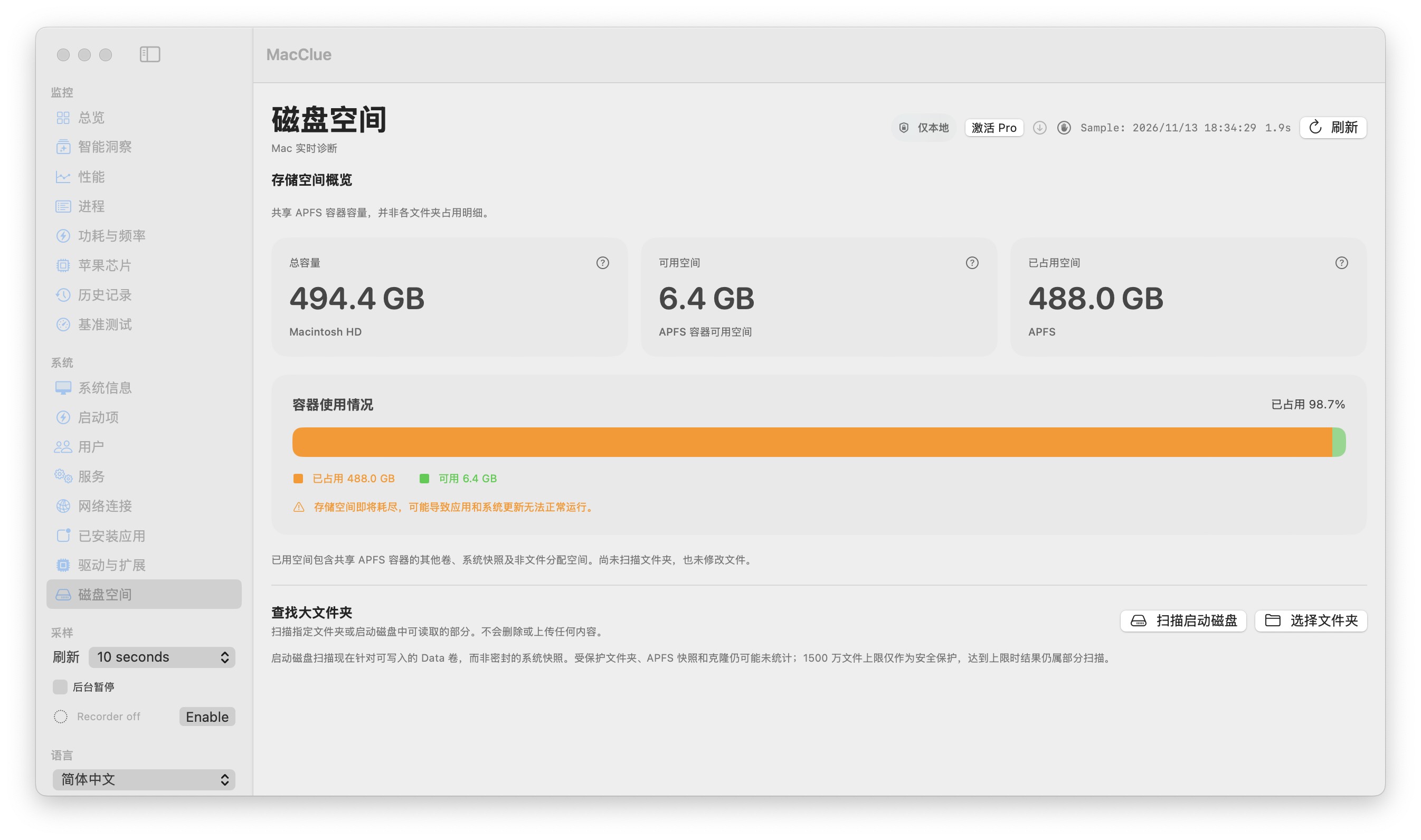
Choose the folder yourself
MacClue only scans directories you select. It shows files examined, size counted, elapsed time and the largest child folders. It does not read document contents or delete files during scanning.
Keep partial results honest
A scan may stop because of your request, a system permission boundary or a safety file-count limit. The UI marks results as partial instead of displaying a fictional percentage.
Know how APFS accounting differs
Snapshots, clones, purgeable data and shared container accounting can make Finder totals differ from summed file allocations. MacClue does not promise to reveal every reclaimable byte.
Make cleanup decisions deliberately
Use the scan to decide where to investigate next; open the relevant folder in Finder and verify contents. The scan itself never deletes or uninstalls anything.
What to know before relying on this feature
Protected folders and links may be skipped; APFS snapshots and filesystem metadata are not counted as ordinary files.
See for yourself
Download the verified beta and compare its readings with macOS Activity Monitor and System Settings. Results depend on your model and permissions.
Mac 版をダウンロード