
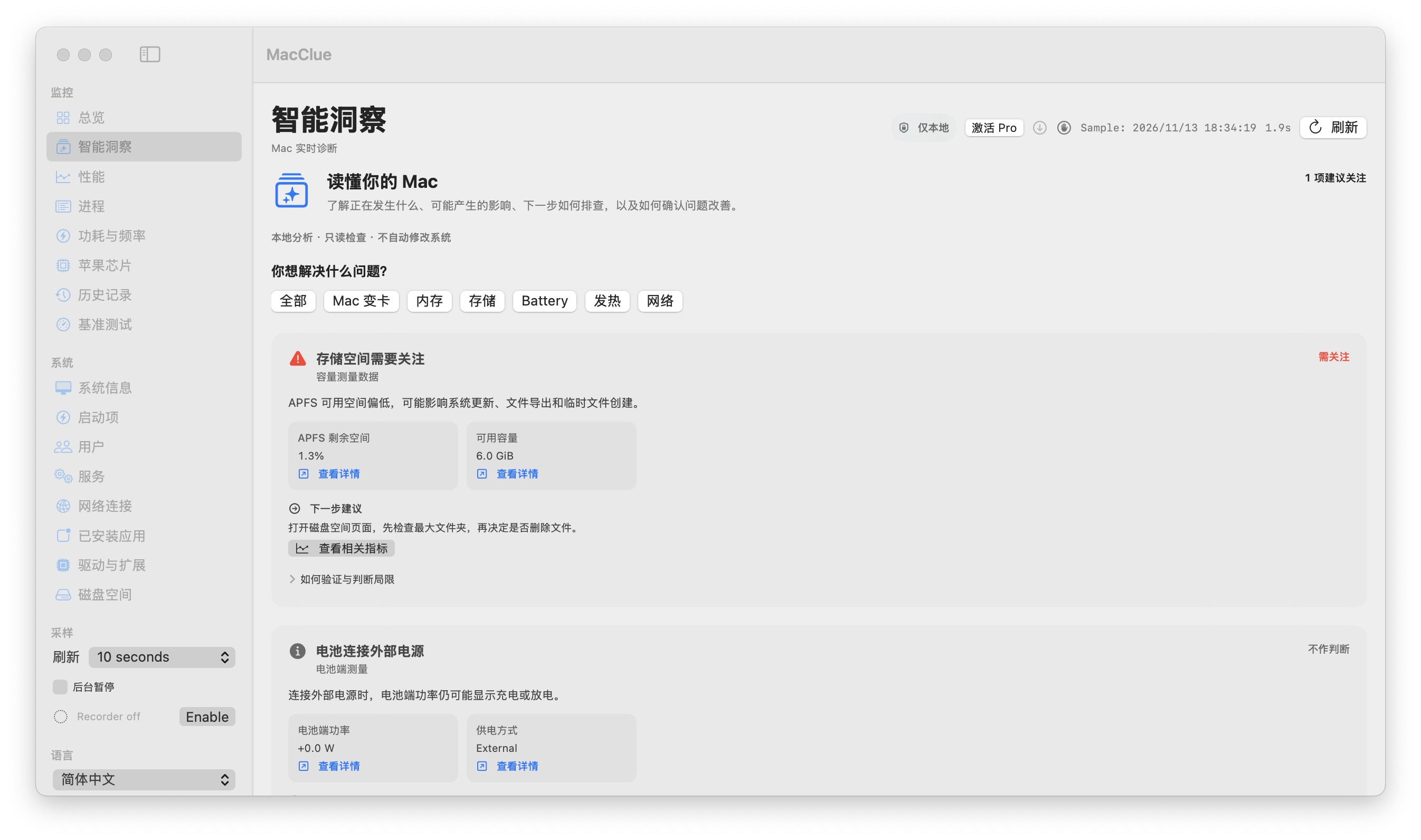
An observation is not a diagnosis
A high CPU reading may be caused by exporting a video or compiling code. A low-storage warning may signal a genuinely constrained APFS volume. Insights distinguish measured facts from possible causes.
Confidence depends on complete signals
Check sample freshness, sensor availability and trend duration. Missing temperature or power measurements are not interpreted as normal; the explanation explicitly notes that the signal was unavailable.
Practical, reversible next steps
For memory pressure, inspect active applications and swap trends. For storage pressure, scan a folder before deciding what to remove. Avoid blanket cleanup and one-click system changes.
Privacy by default
These explanations currently use on-device rules rather than uploading raw processes or personal file lists to an AI service. Optional support reports are reviewed by you before sharing.
What to know before relying on this feature
Insights are heuristic explanations and may be wrong or incomplete. Confirm with multiple readings before making consequential changes.
See for yourself
Download the verified beta and compare its readings with macOS Activity Monitor and System Settings. Results depend on your model and permissions.
Für Mac herunterladen