
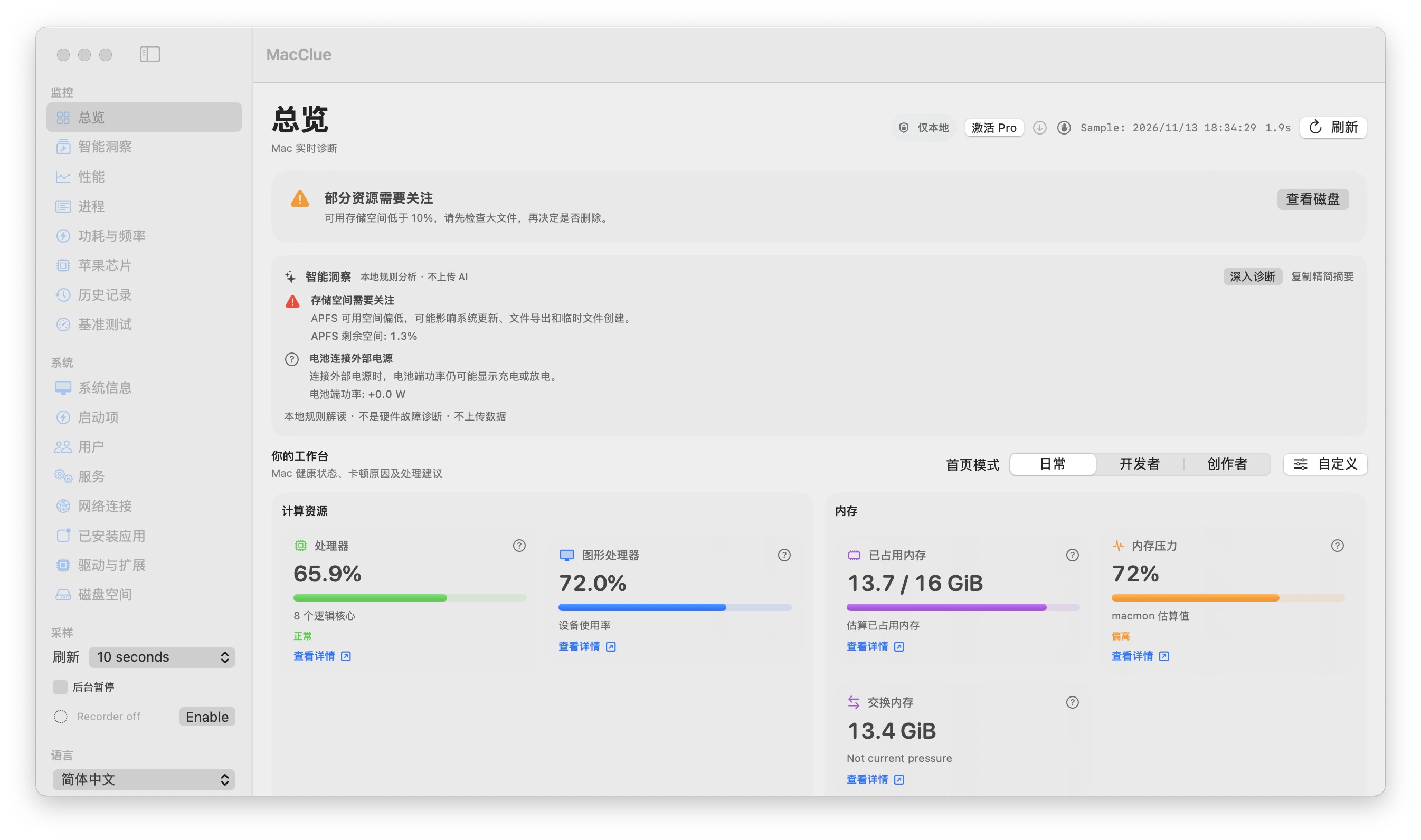
On-device measurements
Live system metrics, process inspection, folder scans and optional history are handled on your Mac. There is no default automatic upload of process lists, network endpoints or file names.
Diagnostics are opt-in
Support reports are generated locally. Review the filtered JSON, copy or save it yourself, and provide explicit consent before a support ticket sends it. Native crash files are not transmitted wholesale.
Explicit actions only
Folder scans are read-only. Optional process termination uses a separate confirmation and strict identity checks; background recording is off by default and can be stopped.
Your data stays manageable
The app explains where its local history and caches live. Removing the application does not silently delete your historical files; a separate confirmation is required for cleanup.
What to know before relying on this feature
The current unsigned beta is not notarized. Install only trusted releases and never disable macOS security globally.
See for yourself
Download the verified beta and compare its readings with macOS Activity Monitor and System Settings. Results depend on your model and permissions.
Télécharger pour Mac